
AI carousel maker and editor

Create social carousels people want to swipe.

Paste a topic or an article URL — AI writes the carousel. Choose a polished template, edit every slide, and export for .

See the templates

No account required to try the editor. By continuing you agree to our Privacy Policy and Terms of Service.

Paste a URL or topic Pre-built templates Multiple formats 3 export options
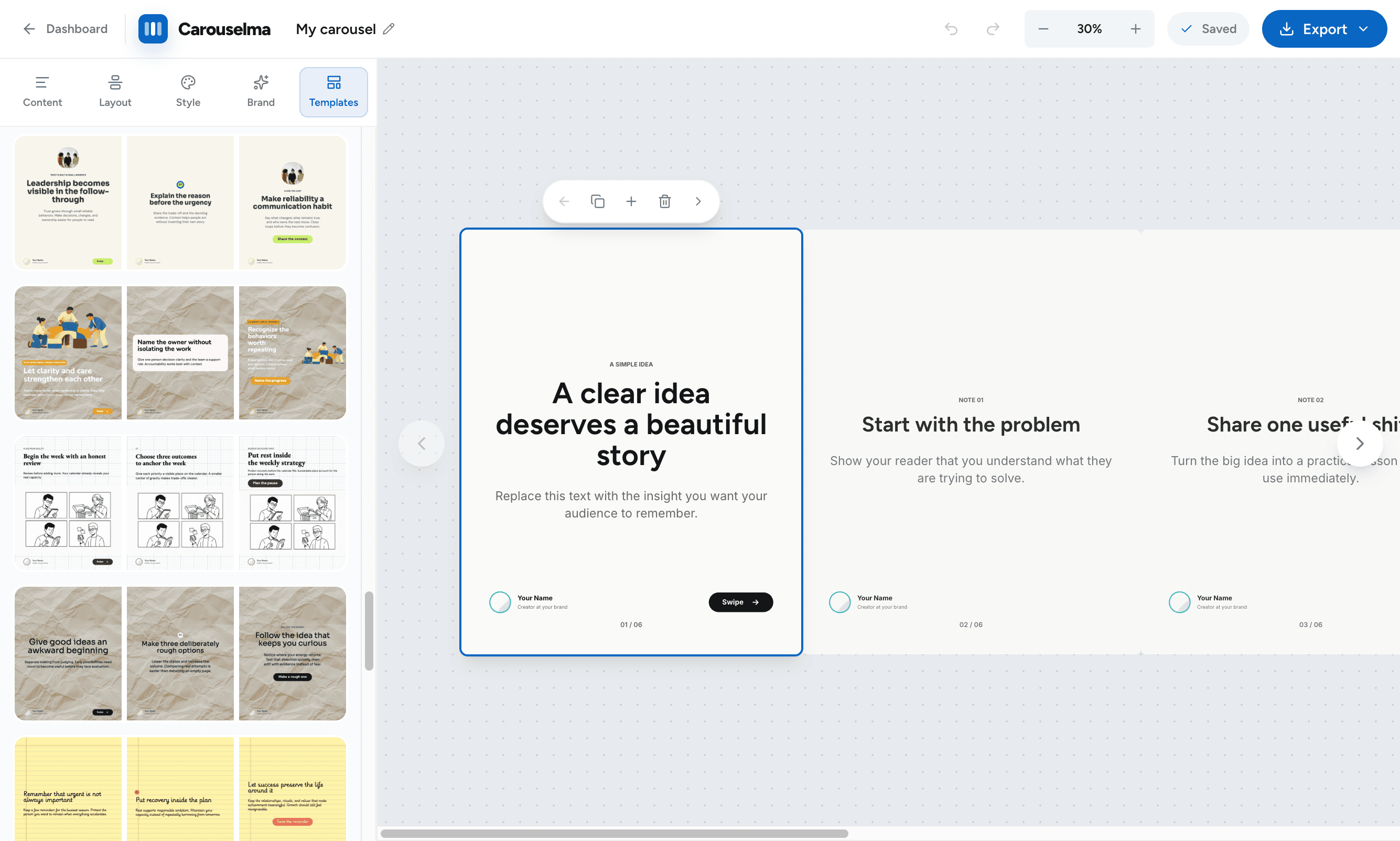
Carouselma editor showing content controls and a multi-slide carousel
Grow on

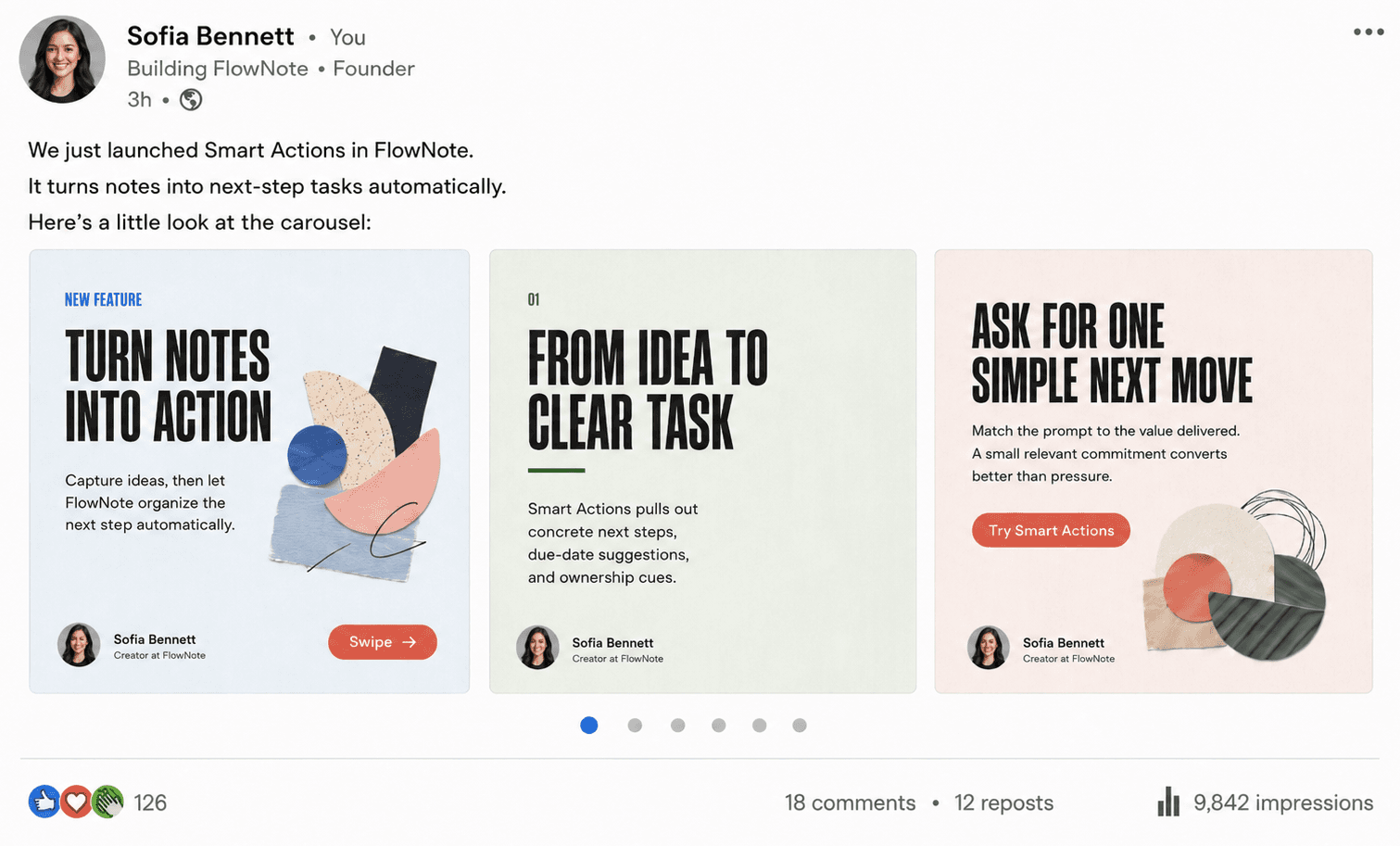
Show up every day with content people actually swipe.

Post consistently and let the audience build itself.

A Carouselma carousel shared as a LinkedIn post earning reactions, comments, reposts, and 9,842 impressions

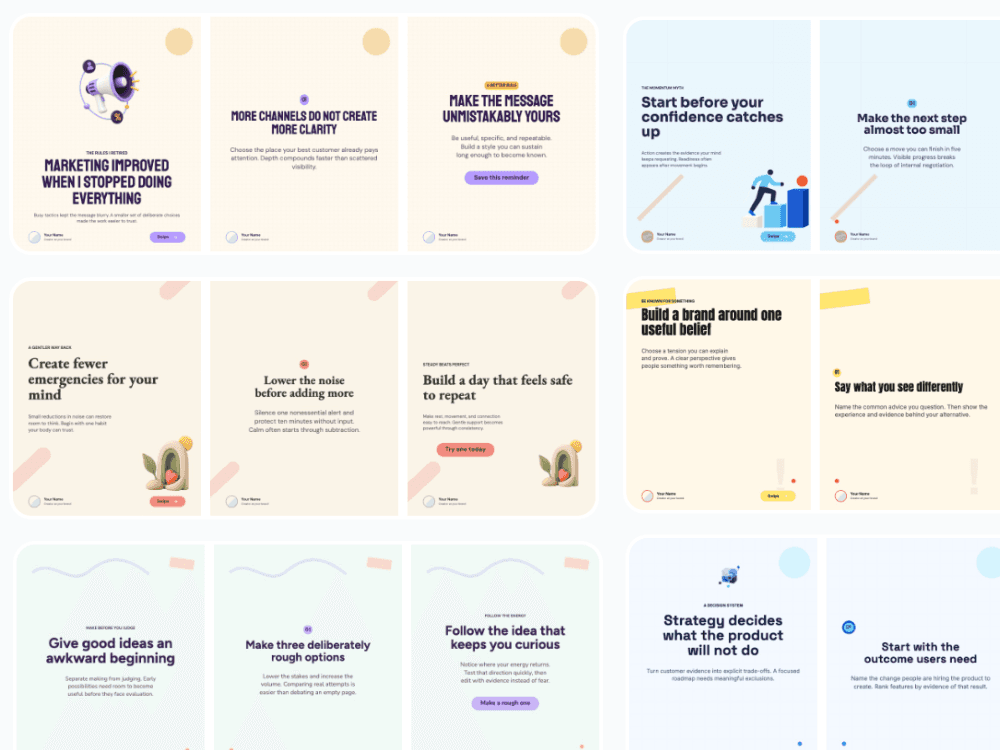
Start with a design that already looks finished.

Pick an editorial, photographic, bold, minimal, or playful style. Then make the copy and branding yours.

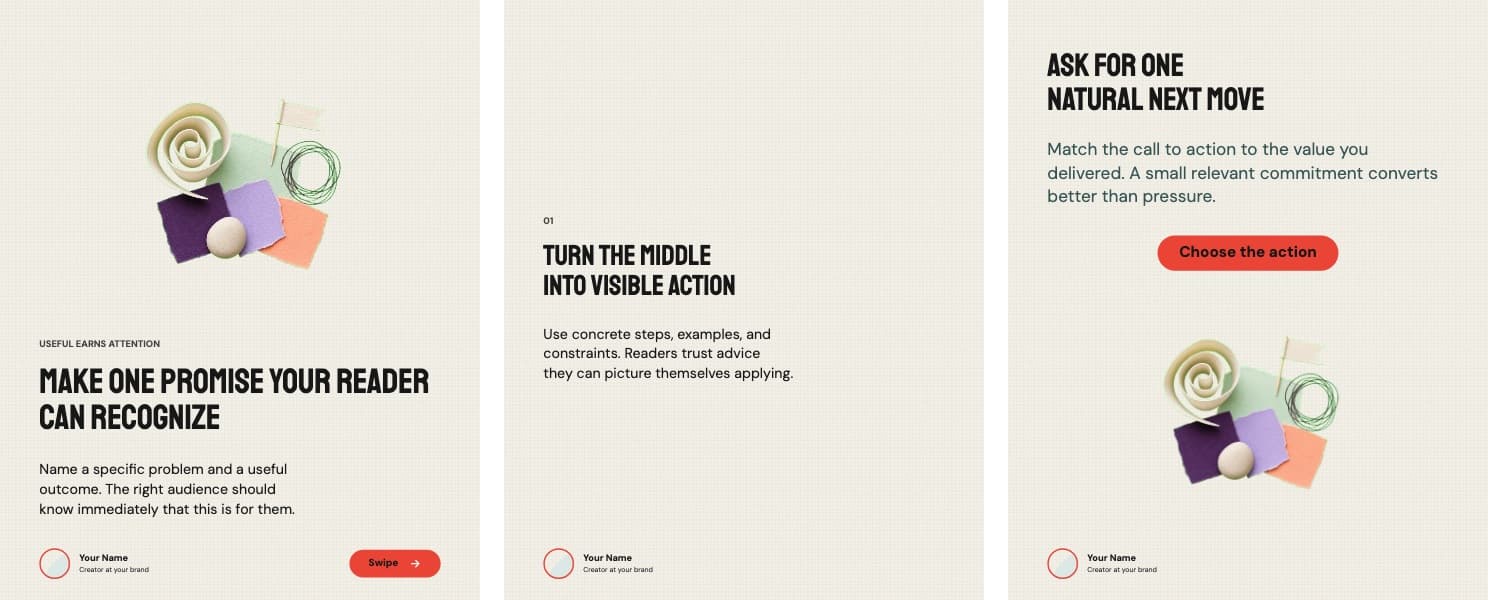
Content That Converts carousel template preview
Photo Story carousel template preview
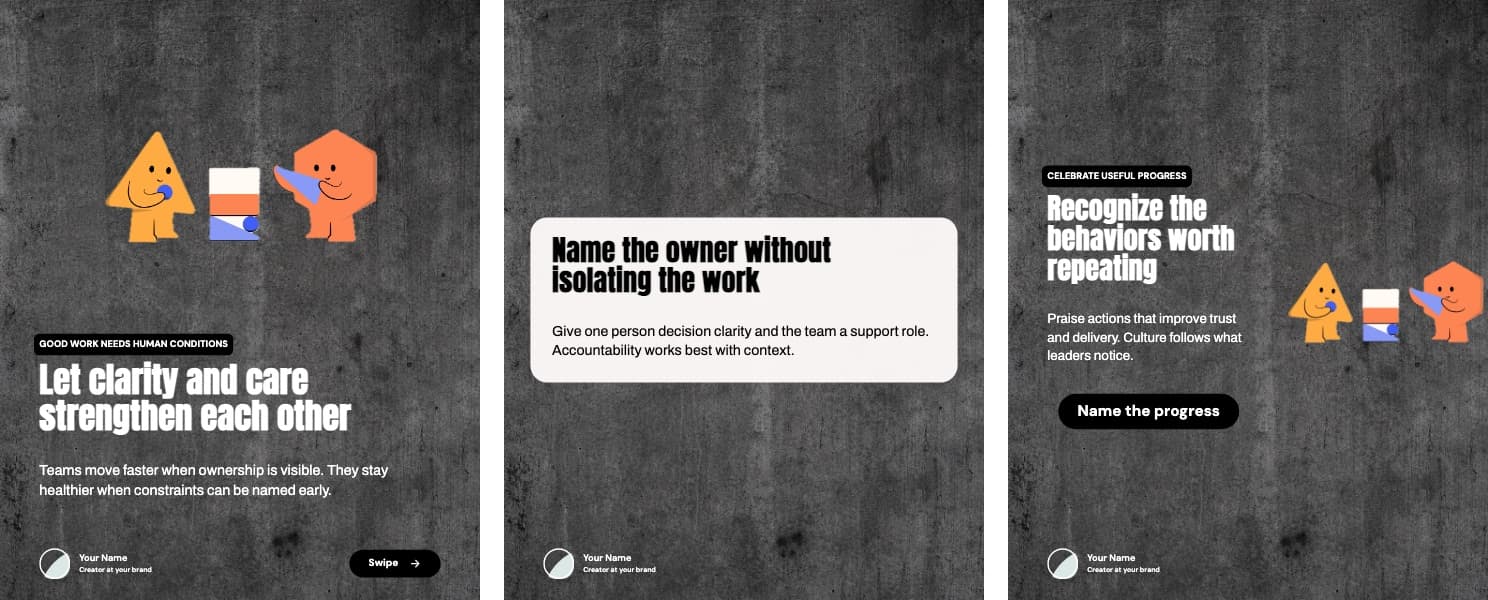
Bold Culture carousel template preview
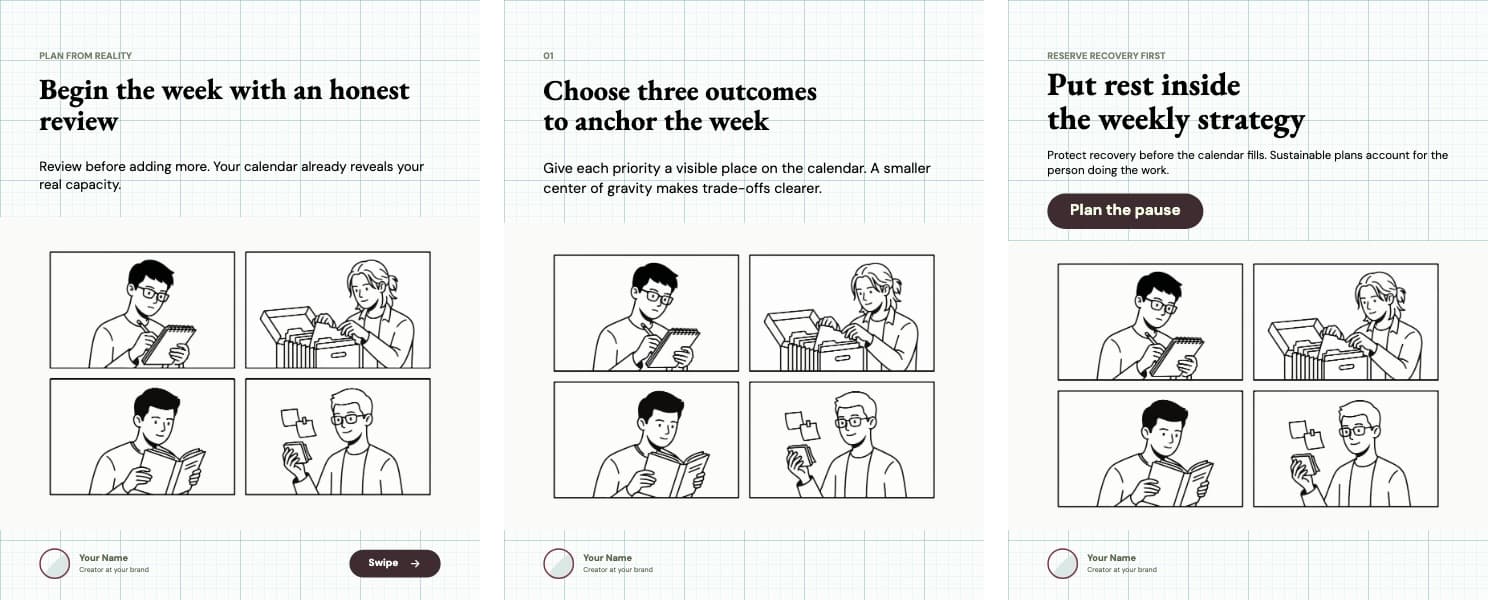
Weekly Strategy carousel template preview
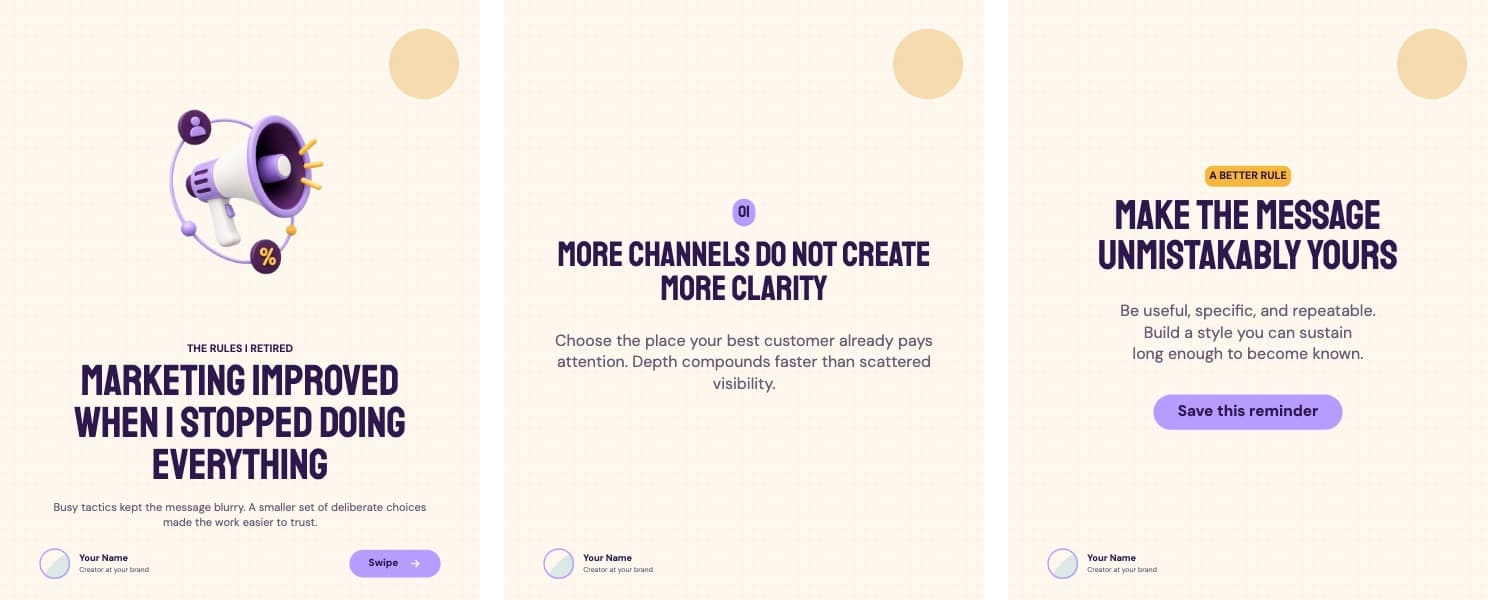
Lavender Signal carousel template preview
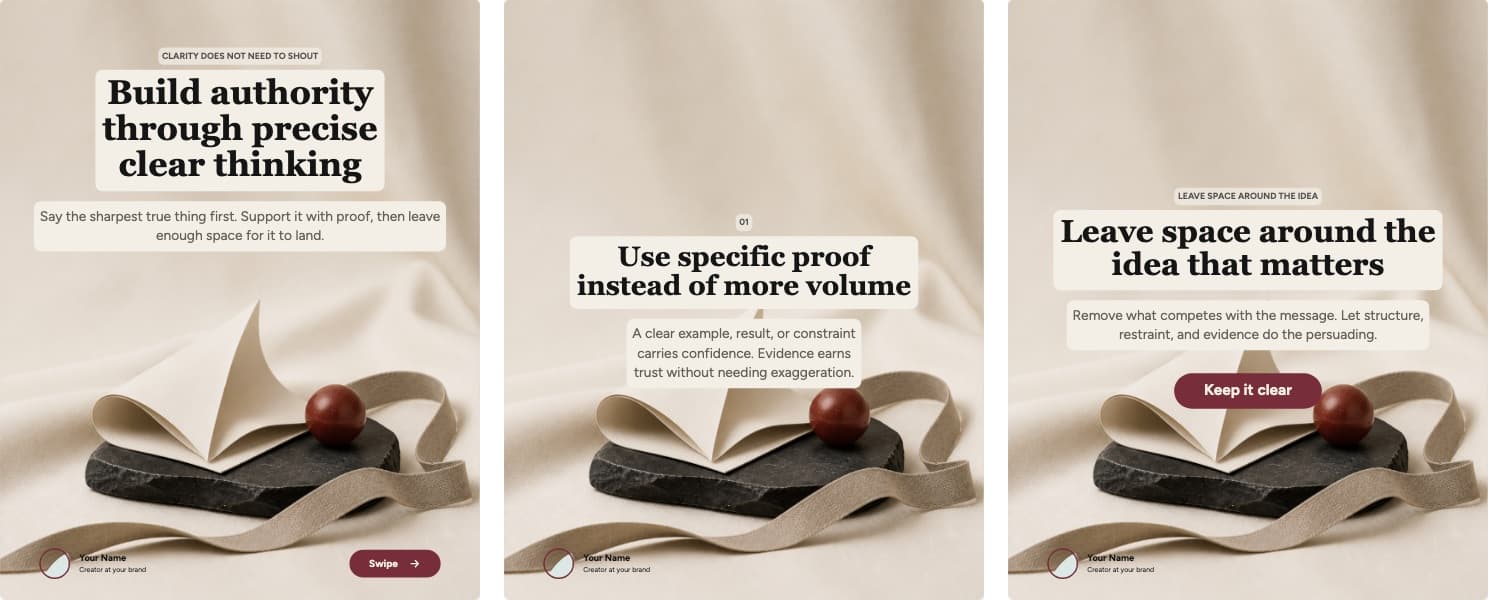
Editorial Notes carousel template preview

From first draft to final file

Everything you need to publish, in one editor.

Write faster with AI, keep the design consistent, and go from first draft to final file without switching tools.

01 / Import

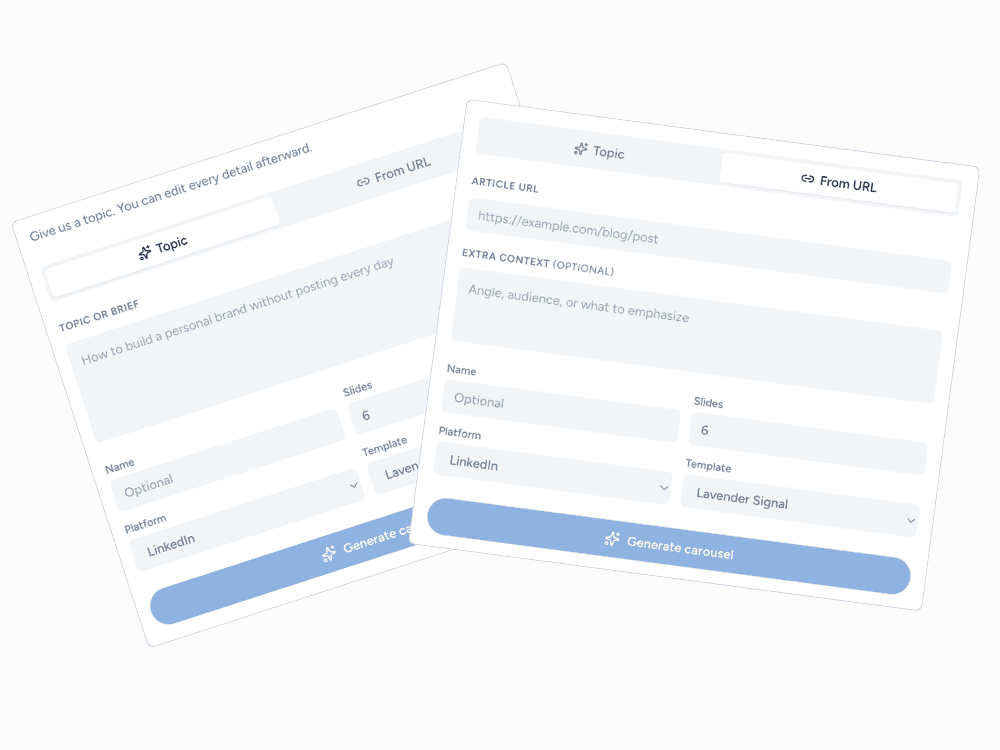
Turn any article or idea into a carousel.

Paste a blog post URL or drop in raw text. AI reads the content, pulls out the key ideas, and builds the carousel for you — no rewriting needed.

  • Paste a URL — we fetch and read the article
  • Generate matching AI images for every slide
  • Works with blogs, newsletters, and long-form posts
Carouselma create dialog showing the From URL tab with an article link pasted in
Carouselma template gallery showing several ready-made carousel designs

02 / Templates

Switch templates. Keep your content.

Try a different visual direction without copying your text into a new file or starting the carousel again.

  • Preview every design before applying it
  • Preserve the content already on your slides
  • Undo a template change instantly

03 / Brand

Apply your brand across every slide.

Save your colors, typography, background, and author details once, then apply them consistently across the carousel.

Colors and fonts Author details Slide backgrounds Swipe button styling
Carouselma brand controls for backgrounds, typography, author information, and swipe buttons
Carouselma layout presets and slide content controls

04 / Export

Export the files you are ready to post.

Download one slide as a PNG, every slide as a ZIP, or the complete carousel as a PDF.

PNGZIPPDFLinkedInInstagramTikTokX

How it works

From idea to carousel in minutes

01

Drop in an idea

Type a topic or paste an article URL. That's all you need to start.

02

AI writes the slides

A full carousel draft appears in seconds — structured, on-point, ready to edit.

03

Make it yours

Adjust copy, swap images, change layouts, and apply your brand in one place.

04

Export and post

Download the files and post. No extra tools, no reformatting.

Simple pricing

Start free. Upgrade when you’re ready.

Edit and export without an account. Go Pro for AI copy and image generation, watermark-free exports, cloud projects, and your brand kit.

Free

Try the full editor — no signup needed.

$0/forever

Edit and export right in your browser. Free exports include a small Carouselma watermark.

  • All templates
  • Edit every slide
  • LinkedIn, Instagram, TikTok & X
  • PNG, ZIP & PDF export
Most popular
CarouselmaPro
$14/month

Full Pro access, billed monthly. Switch to yearly anytime.

Everything in Free, plus

  • No watermark on exports
  • AI carousel generation
  • AI image generation
  • Generate from a URL or any post
  • All templates and social formats
  • Remix template designs
  • Free-form slide editing
  • Brand kit
  • PNG, ZIP, and PDF exports

Questions, answered

Know exactly what happens next.

Do I need an account to try it?

Nope. Open the editor and start building straight away. No signup, no credit card. Free exports include a small watermark — create an account to remove it.

Does AI write the whole carousel for me?

It writes a solid first draft. Paste a topic or drop in an article URL and you'll have a full carousel in seconds. From there, every slide is yours to tweak.

Can AI make the images too?

Yes. Turn on “Generate images with AI” when you create a carousel and Pro generates a matching illustration for every image slide — one consistent style across the set. Swap any of them in the editor.

Can I change anything in the editor?

Pretty much everything — text, images, colors, fonts, layouts, slide order, your author info, and the swipe button. It's a full editor, not just a text box.

Which platforms does it support?

LinkedIn, Instagram, TikTok, and X. Each has its own canvas size so you're never cropping or guessing.

What if I want a different look after I've started?

Just pick another template. Your content stays put and you can undo the switch instantly if it's not working.

How do I get my files out?

Download a single slide as a PNG, all slides as a ZIP, or the whole carousel as a PDF — whatever the platform needs.

Can I cancel my Pro plan?

Yes, whenever you want. Your access keeps going until the end of the period you paid for, then it stops — no hidden charges.

Your next post starts here

Turn one idea into a carousel worth swiping.

Start with a complete draft, make every slide yours, and export the finished story without leaving the editor.

No account needed to try it. By continuing you agree to our Privacy Policy and Terms of Service.
Carouselma - Create social carousels people want to swipe